
Theme
AI Motion Control
Make the person in your photo move like the person in a video. Upload a photo and a dance or action clip; the photo copies the moves, step for step.
1Your photo
2The moves
Clip3Settings
40 credits for 10 seconds
How motion control works
- 1
Add a photo
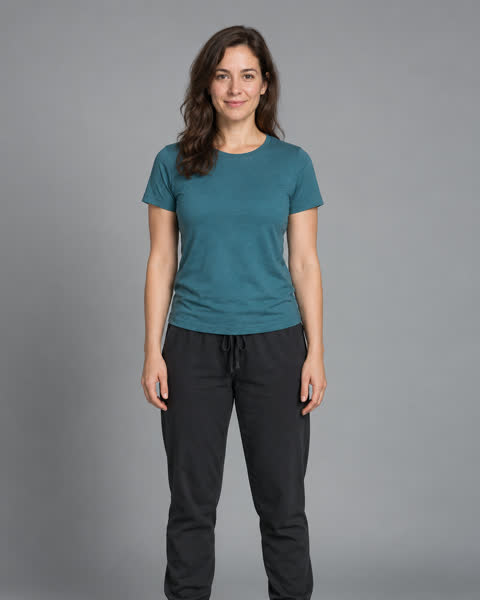
One person, full body, facing the camera.
- 2
Add the moves
A 2 to 15 second clip with one dancer, filmed by you or used with permission.
- 3
Get the video
The person in your photo does the same steps, on the same beat.
✓Full-body photo: hands and feet in the frame.
✓One dancer in the clip, steady camera.
✓Similar framing in photo and clip looks best.
FAQ
What is motion control?+–
You give a photo and a video. The person in the photo does what the person in the video does: same steps, same timing.
Can I try it for free?+–
New accounts get 20 free credits. A 5-second video from a 5-second clip costs 20.
Can I use any dance video?+–
Use clips you filmed or have permission to use. The clip should show one person and be 2 to 15 seconds long.
Which model does this use?+–
ByteDance’s Seedance 2.0 with a reference video: your photo sets the look, your clip sets the moves.
Why does my result look off?+–
Hands and feet cut off in the photo, or two people in the clip, are the usual causes. Use a full-body photo and a clip with one dancer.