
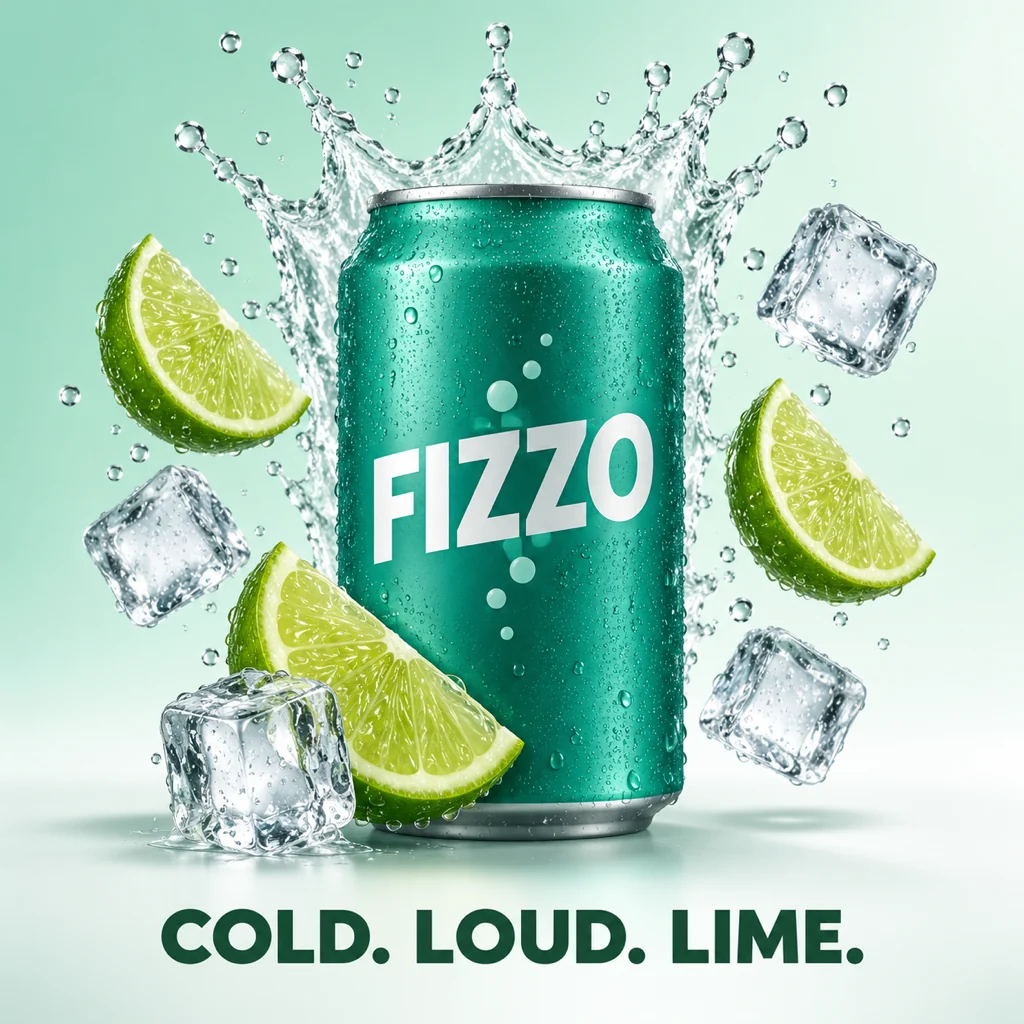
AI Product Poster Maker
Upload a photo of your drink, can or bottle. Get a bright splash poster with ice, fruit and room for a slogan.
OutputImageCost2 credits
2 credits
How to make a Splash Poster image
- 1
Upload the product
A drink, can or bottle on its own.
- 2
Press Make my image
The splash, ice and fruit are set up.
- 3
Download the image
Add your slogan in any editor.
Photos that work best
- ✓Label facing the camera.
- ✓Plain background around the product.
- ✓One product per photo.
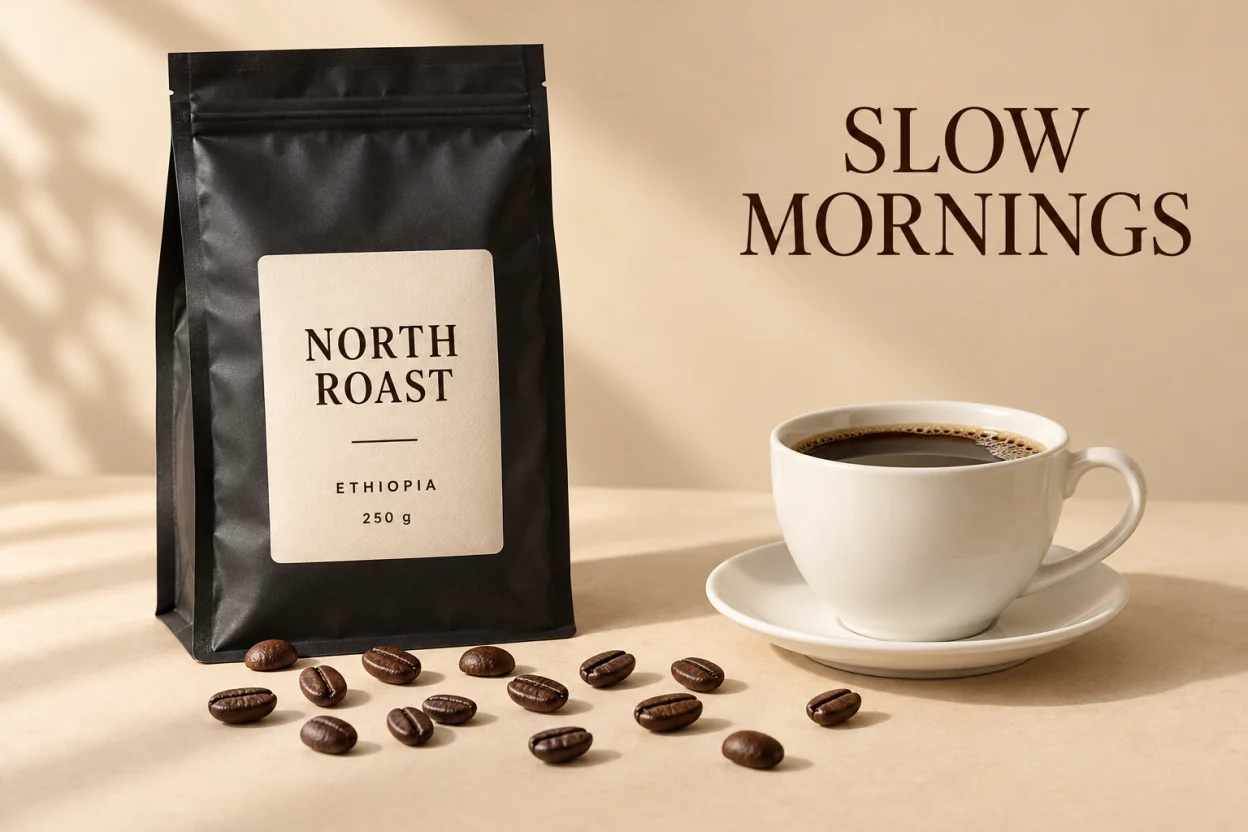
FAQ
Does it keep my label?+–
The prompt tells the model to keep the label, colors and text. Sharp, straight-on photos keep the most detail.
Can I add my own slogan?+–
The poster leaves space at the bottom. To change words in the image later, use makeitsay.com.